Centennia Historical Atlas: DIY Last-minute Gift
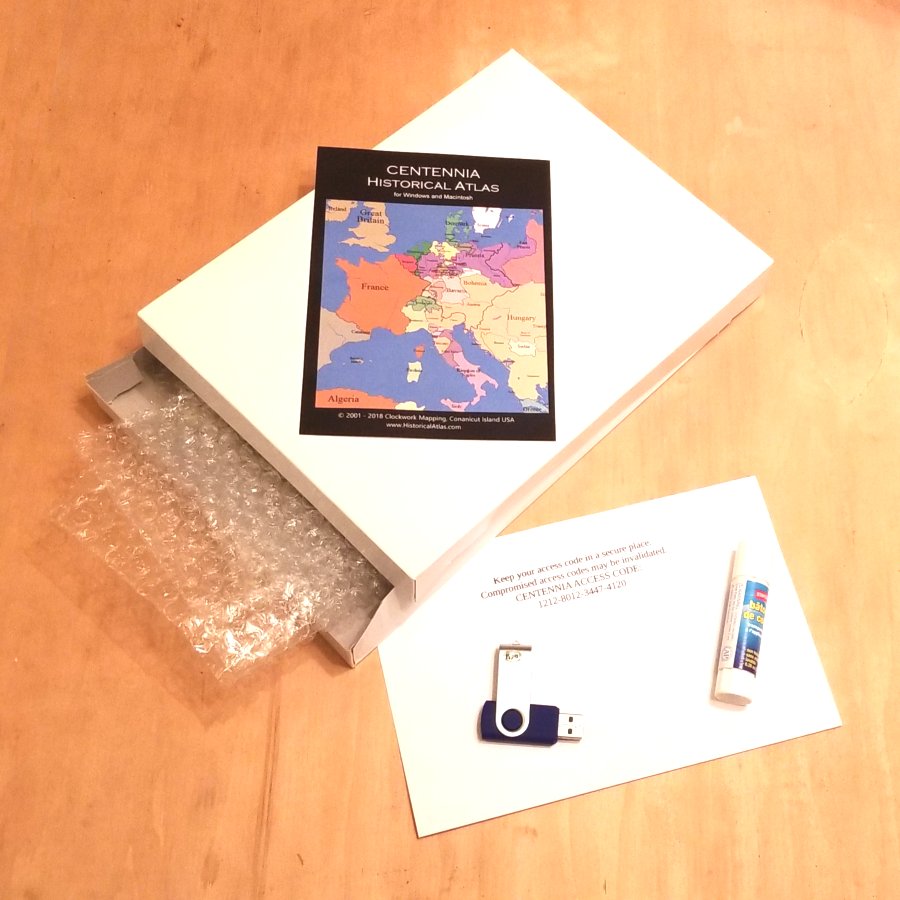
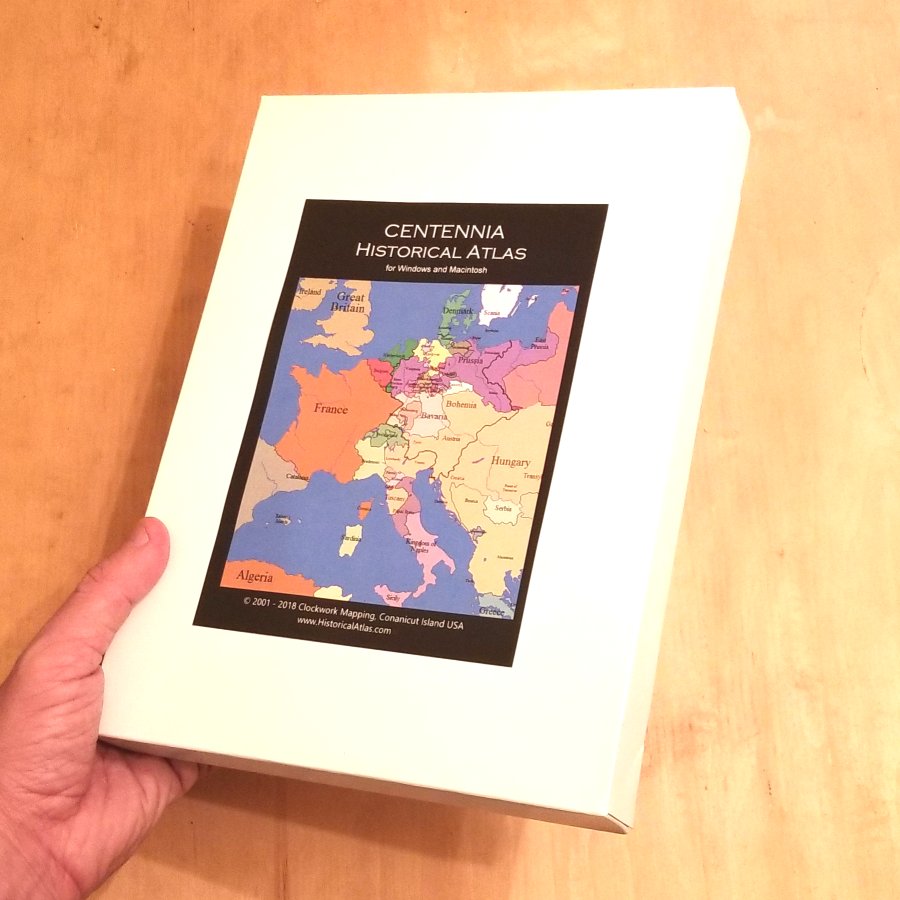
It's already Christmas (or a birthday or some other gift-giving day), and it's too late to have a gift copy of the Centennia Historical Atlas delivered to your friend who loves maps and history, but it's the perfect gift. No worries. You can make your own copy on a USB flash drive (thumb drive) and make a nice ready-to-wrap gift box for it, too.
Things you’ll need:
A USB flash drive (any older low-capacity USB will do), a small gift box, packing material (bubble wrap), a color printer, and glue or tape.
Steps:
1: Download Windows or Mac version (or both):
2: Put file(s) on USB flash drive. You can use an old, low-capacity flash drive.
3: Buy a license code. Use code XM8 for a $15 discount:
4: Check your email for the 16-digit license code and print it.
5: Find a gift box. Any size will do. We suggest 8×6×1 inches (or 20×15×3 cm).
6: Wrap the USB flash drive in packing material and place it, along with the printed license code in the gift box.
7: Get cover art and print it:
8: Glue cover art on box. Seal the box.
9: Deliver your gift. Accept praise!
Comments:
Zoltán Györe wrote: 10👍
I use this atlas for about 10 years with great pleasure. It is practical, precise and very useful so I recommend it also to my students of history, culturology and hungarology. Thank you very much!
John Perry wrote: 7👍
I see little mention of genealogy. Without Centennia (Millennia back in the 1990's) I don't know if I would have ever known to look for my northern Germany ancestors in the Scandinavian (Denmark) section of the genealogy library. My grandmother was born in Lublin. I assumed Poland, not Russia at the time. A very useful genealogy tool, thanks.
Shirley Bernadotti wrote: 4👍
More info on the research edition for the MAC. Must have.