Editions, Platforms, Languages
CENTENNIA HISTORICAL ATLAS
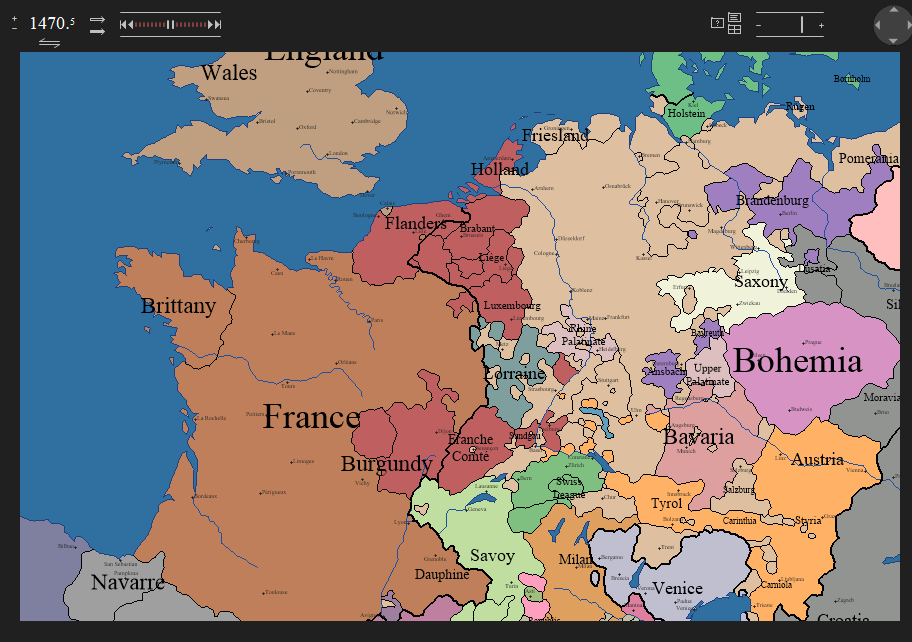
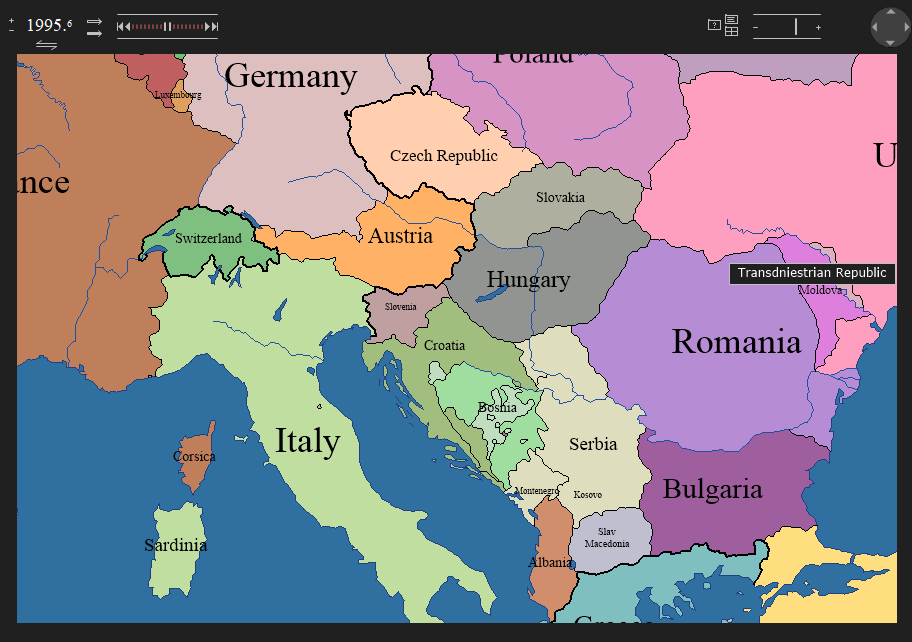
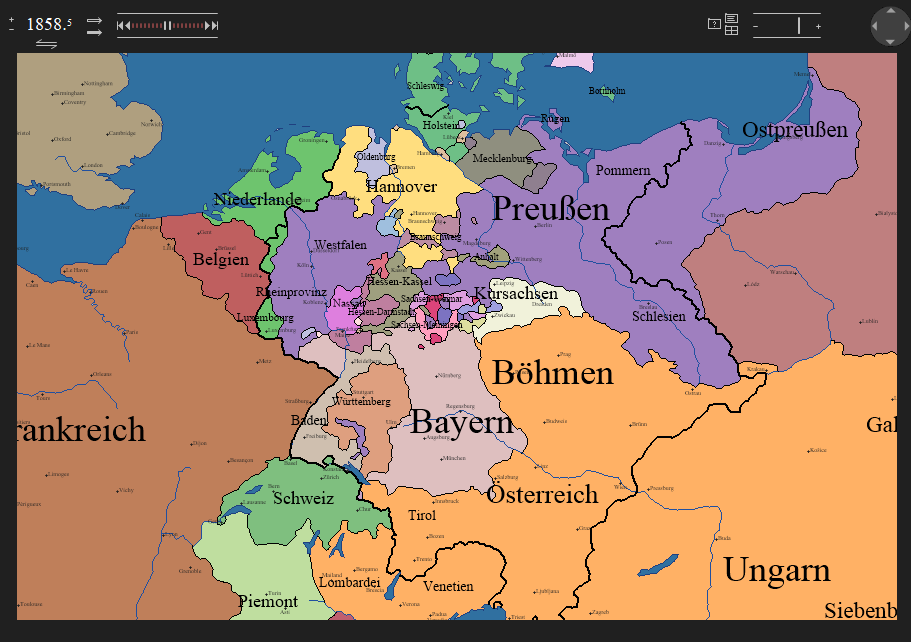
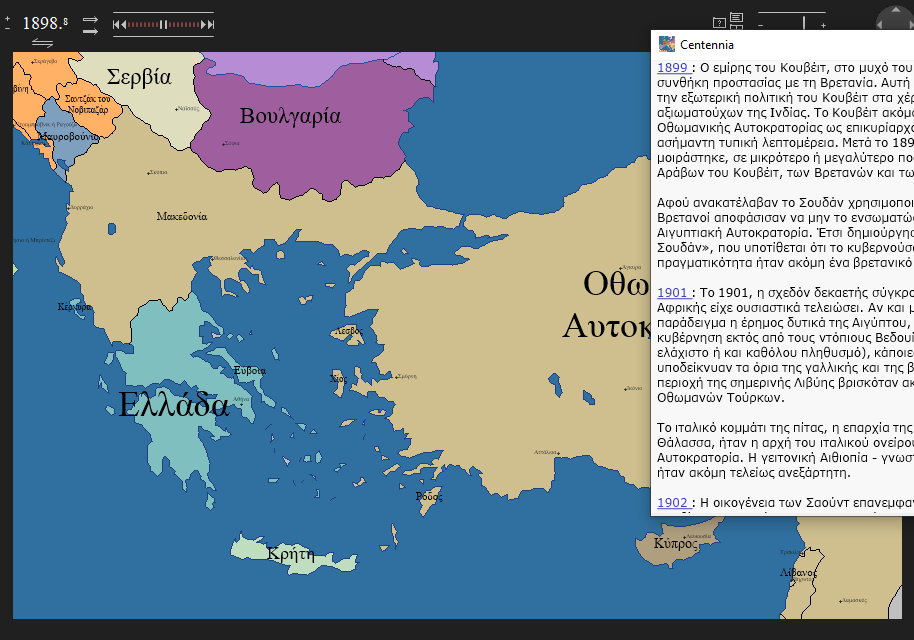
The complete edition of the Centennia Historical Atlas covers over ten centuries of history as well as recent geopolitical events. Its geographic range includes all of Europe as well as North Africa and the Near East and MidEast. The map can be evolved forward and backward in time, fast or slow, displaying changes as frequently as every tenth of a year. Over 9,000 border changes in hundreds of wars, dynastic conquests, as well as political mergers and separations are included.
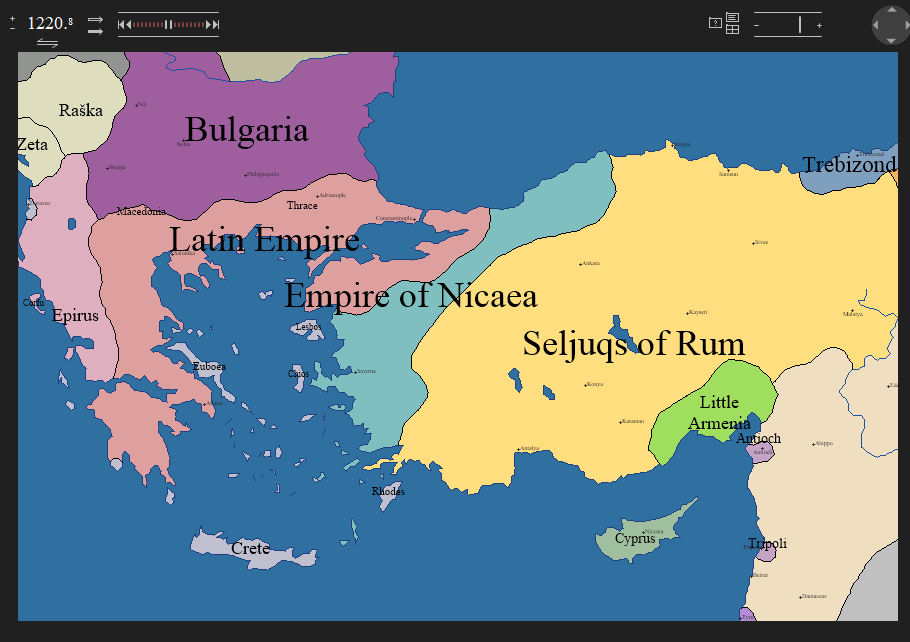
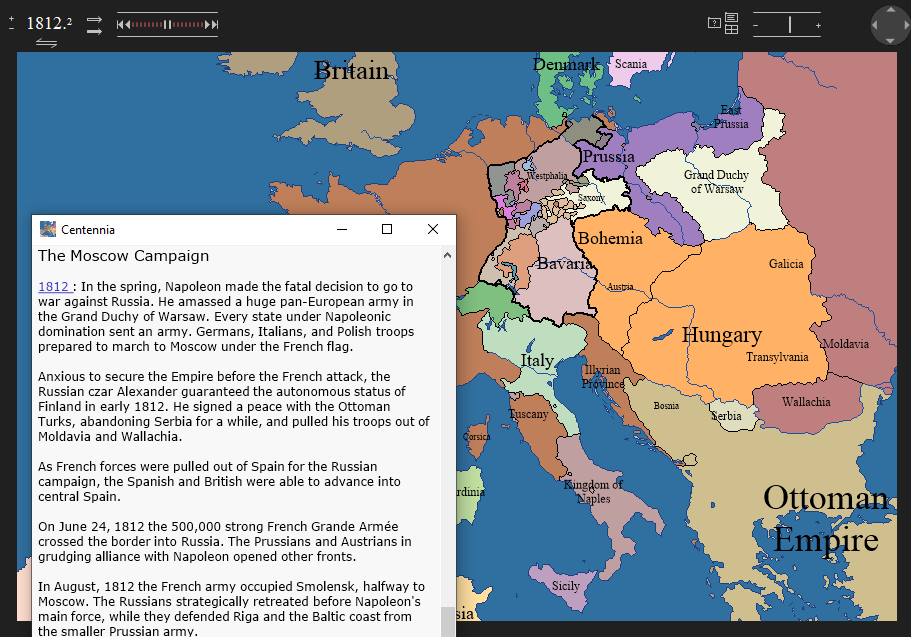
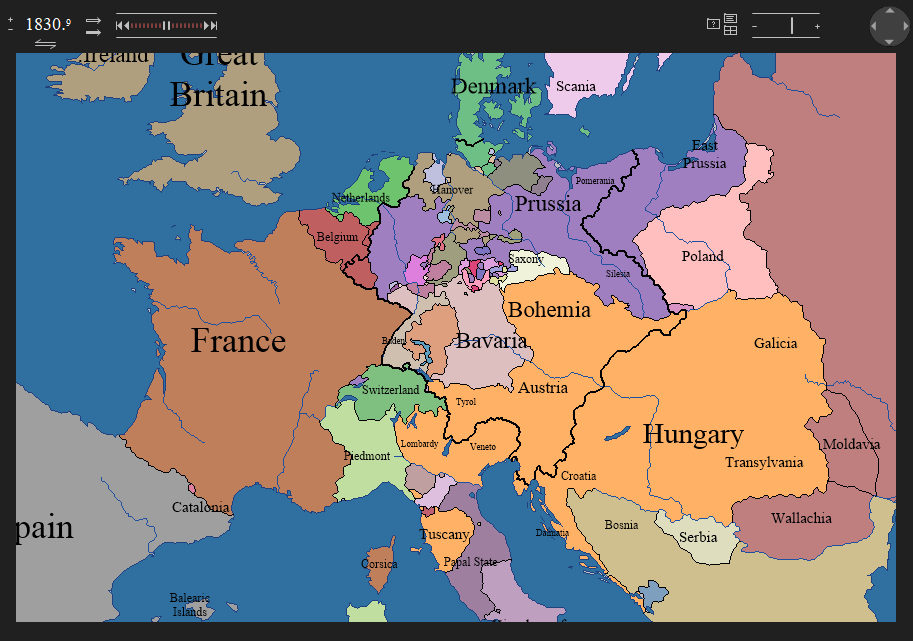
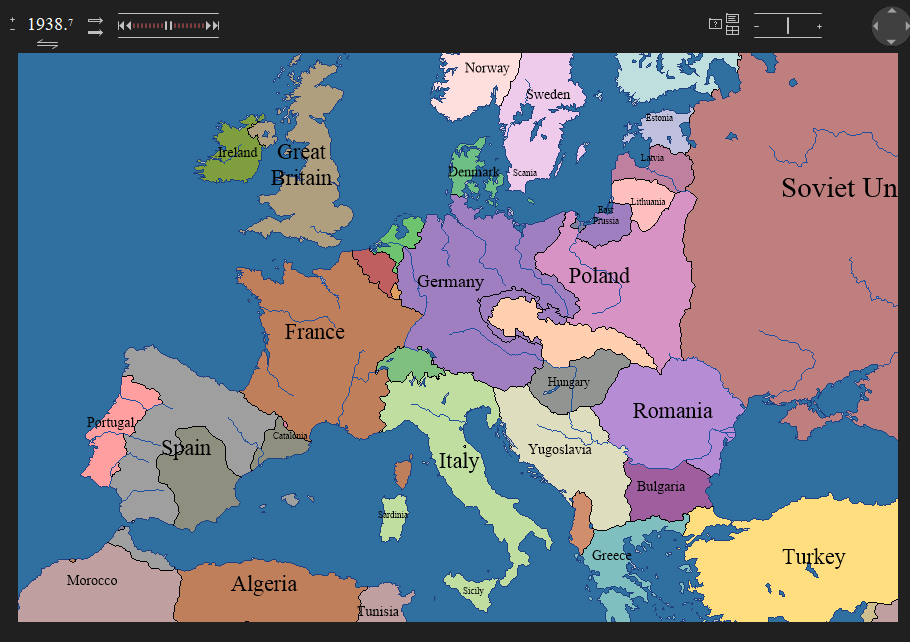
CENTENNIA NATIONS EDITION
Available for FREE. Download it and explore. Centennia Nations Edition includes the 150-year period from the beginning of the transformation of modern Europe in 1789 through the complete Napolenic era and the periods of nation-building in the 19th century and through the First World War, up to the summer of 1939, the eve of the Second World War. It's free to use. Teach from it, learn from it, and if you decide you need more centuries, the data are included in your download. Buy a full-access code at any time to unlock all the centuries before 1789 and after 1939 in the complete Centennia Historical Atlas.
CENTENNIA RESEARCH EDITION
Professional datasets designed for academic research in history, political science, economics and related subjects. All of the borders and polygons of the complete atlas are included in GIS-compatible KML format. Read more...
WINDOWS: DESKTOP
The Windows version of Centennia is a standard Windows desktop app, fully compatible with Windows 11, 10, etc. It has low system requirements and will operate on any Windows-based laptop or desktop machine built in the past seven years.
APPLE MAC: DESKTOP
The MacOS version of Centennia runs on any Mac laptop or desktop computer built in the past seven years. Centennia has low system requirements. The app is signed and notarized and will pass the stringent security tests on modern Macs.
LANGUAGES
Current editions of the Centennia Atlas include text in Greek and German, as well as English. To change language while running Centennia, on your keyboard, hit "D" for German (Deutsche), "L" for Greek (ELLenika), or "E" for English.
Comments:
J.A.H.