
Centennia Historical Atlas: DIY Last-minute Gift
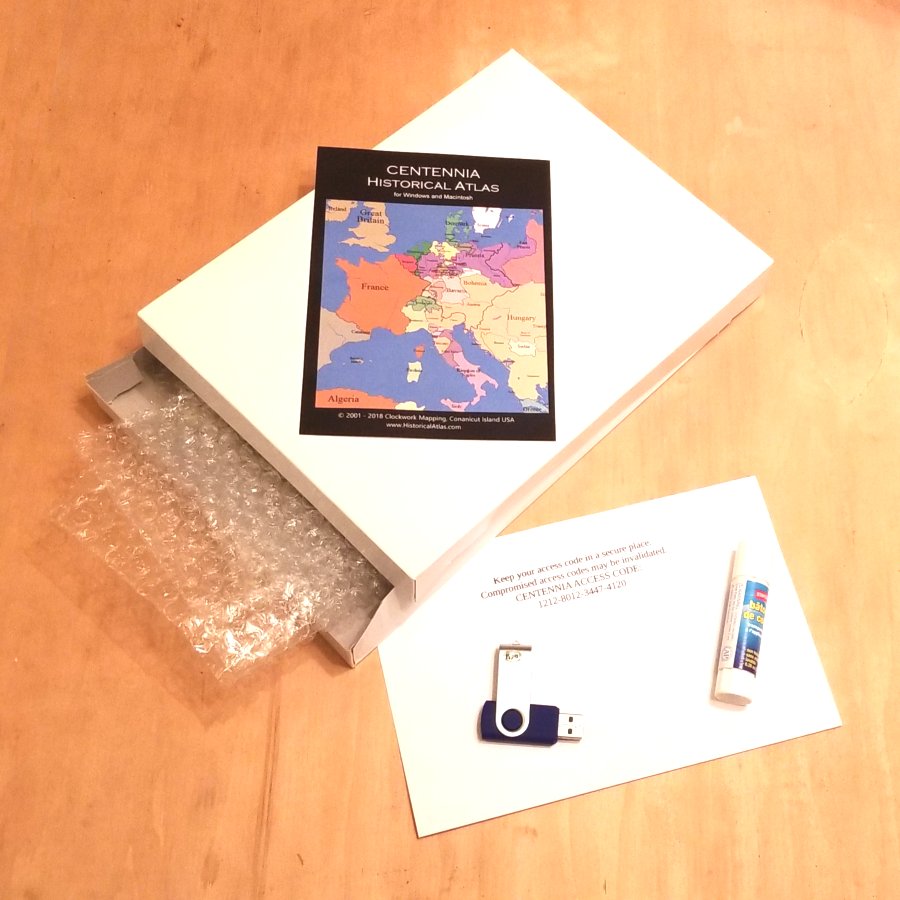
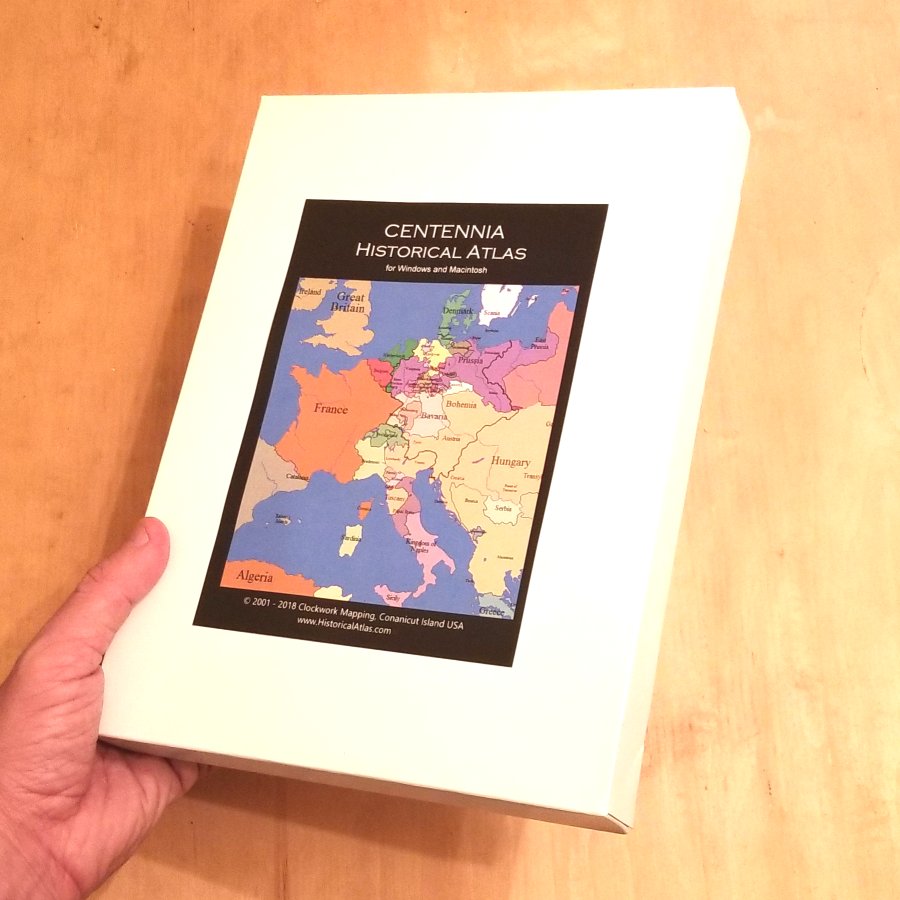
It's already Christmas (or a birthday or some other gift-giving day), and it's too late to have a gift copy of the Centennia Historical Atlas delivered to your friend who loves maps and history, but it's the perfect gift. No worries. You can make your own copy on a USB flash drive (thumb drive) and make a nice ready-to-wrap gift box for it, too.
Things you’ll need:
A USB flash drive (any older low-capacity USB will do), a small gift box, packing material (bubble wrap), a color printer, and glue or tape.
Steps:
1: Download Windows or Mac version (or both):
2: Put file(s) on USB flash drive. You can use an old, low-capacity flash drive.
3: Buy a license code. Use code XM8 for a $15 discount:
4: Check your email for the 16-digit license code and print it.
5: Find a gift box. Any size will do. We suggest 8×6×1 inches (or 20×15×3 cm).
6: Wrap the USB flash drive in packing material and place it, along with the printed license code in the gift box.
7: Get cover art and print it:
8: Glue cover art on box. Seal the box.
9: Deliver your gift. Accept praise!
Comments:
Taj Luckens wrote: 5👍
Hello, I am a student, I am wondering if you have any version for personal use, as I study history in my free time every day, and geacron isn't doing it for me.
Steve Leonard wrote: 2👍
I’m looking for information. I teach European history and this looks good
Sarah B wrote: 3👍
I have been using this program since 1999! I'd LOVE to see an iPad version as I teach 1:1 and have access to airplay. Thanks for keeping this program alive and available after all these years!